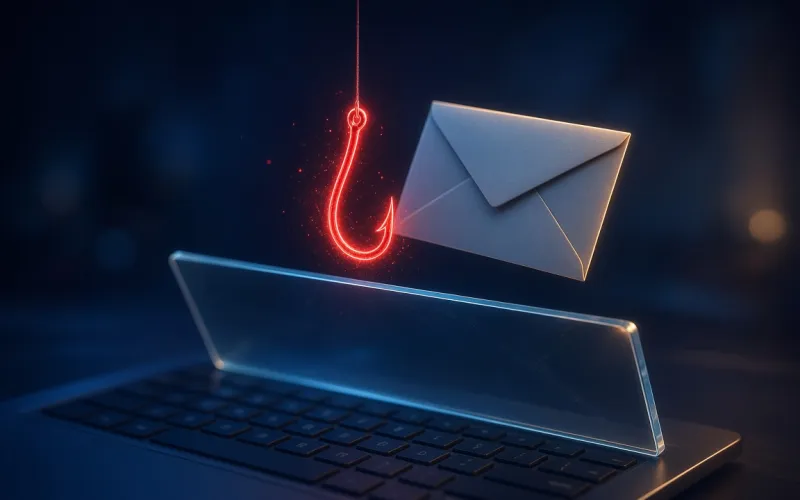
What is two-factor authentication — and how to turn it on
A password alone is one lock. Two-factor authentication adds a second — a code, an app prompt or a security key — so a stolen password isn't enough. How the methods compare, and where to switch it on first.
Short answer
Two-factor authentication (2FA) asks for a second proof that it's you — a code on your phone, an authenticator app or a security key — on top of your password, so a stolen password alone can't unlock the account. Security keys and passkeys resist phishing best; text codes are weaker but far better than nothing. Start with your email and bank.
Ad-supported — we may earn a commission from links on this page, at no cost to you, and it never changes our assessments. How this works.
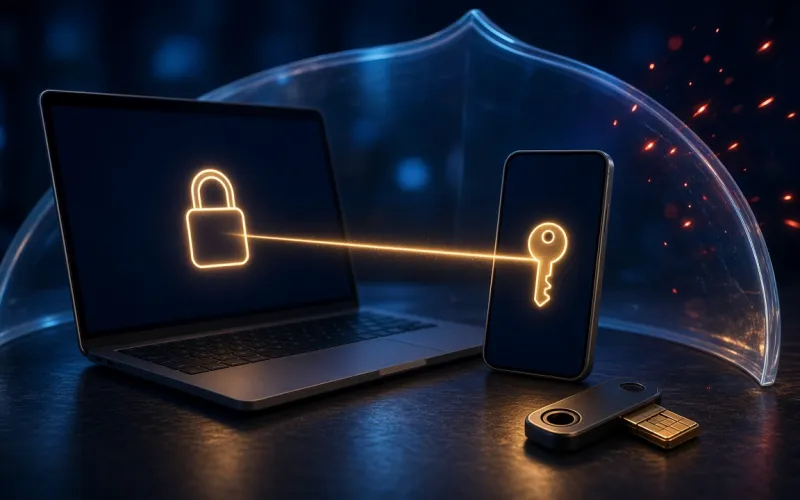
With two-factor authentication, signing in takes credentials from two of three categories: something you know (a password or PIN), something you have (your phone or a security key) and something you are (a fingerprint or your face). You'll also see it called two-step verification or multi-factor authentication (MFA). The point is simple: a password stolen in a data breach or typed into a phishing page isn't enough on its own.
The methods, from strongest to weakest
- Security keys — small physical keys you plug in or tap. The FTC calls them the strongest method of two-factor authentication, and Apple recommends them for extra protection against targeted attacks such as phishing.
- Passkeys — a newer way to sign in that replaces the password with a key stored on your device. Apple describes passkeys as resistant to phishing, and Google says passkeys and security keys protect your account from phishing attacks. Strictly, a passkey isn't a second factor: Google skips the second step when you sign in with one.
- Authenticator apps — an app on your phone generates the sign-in codes. Safer than text messages, the FTC says, because the code can't be intercepted with a SIM swap.
- Codes by text message or email — the most common and the easiest to set up. Google warns that codes sent by text or call can be vulnerable to phone-number-based hacks. Still far better than a password alone.
Where to turn it on first
The FTC suggests starting with your most sensitive accounts: your bank, credit cards, email and social media. Put email at the top. It's where password-reset links go, so whoever controls your inbox can take over most of your other accounts.
How to turn it on for Apple, Google and Microsoft
- Apple Account: on iPhone, go to Settings > [your name] > Sign-In & Security and turn on two-factor authentication. Apple sends six-digit codes to your trusted devices or phone number. Accounts created with two-factor authentication can't turn it off; if you switched it on yourself, you have two weeks to change your mind.
- Google Account: go to myaccount.google.com, open Security & sign-in, choose 2-Step Verification under How you sign in to Google, and turn it on.
- Microsoft account: go to account.microsoft.com/security, choose Manage how I sign in, and turn on Two-step verification. Microsoft strongly recommends keeping three pieces of security info on the account in case you lose access to one.
Don't lock yourself out
- Save backup codes where the account offers them. Google gives you sets of 10 eight-digit backup codes, each usable once, under Security & sign-in > 2-Step Verification > Backup codes. Keep them somewhere safe and offline.
- Add more than one method — a second phone number, an authenticator app or a security key — so losing your phone isn't the end of the account.
- Update the phone number on your accounts before you change numbers.
- Never read a code out to anyone. A real company won't call or text asking for a code you just received.
Does 2FA replace a password manager?
No — they work together. A password manager gives every account a unique password, so one leak doesn't unlock the rest; two-factor authentication stops a stolen password from being enough on its own. Several security suites include a password manager: Norton on every plan, TotalAV in its Total Security plan, and Avira in its free suite and in Prime.
Turn on two-factor authentication for your email today. It's the account that can reset all the others.
Sources · checked Oct 21, 2026
- FTC Consumer Advice — Use two-factor authentication to protect your accounts
- Apple Support — Two-factor authentication for Apple Account
- Apple Support — If you think your Apple Account has been compromised
- Apple Support — About the security of passkeys
- Google Account Help — Turn on 2-Step Verification
- Google Account Help — Sign in with backup codes
- Google Account Help — Sign in with a passkey
- Microsoft Support — How to use two-step verification with your Microsoft account
Our pick for this situation

Our pick
Norton · Best all-in-one bundle
Want a password manager in your antivirus plan? Norton includes Password Manager on every plan.
- Norton 360 plans bundle a VPN and cloud backup
- Covers Windows, Mac, Android and iOS

Our pick
Avira · Most complete free tier
Prefer to start free? Avira's free suite includes a password manager alongside the antivirus.
- Free tier adds a capped VPN and a password manager
- Prime covers up to 25 devices on all four platforms
PrivacyTechReview Editorial Team
Editorial
Our editorial team researches consumer security products using public vendor documentation and independent laboratory reporting.