Fake Norton, McAfee and Geek Squad renewal emails: how to spot the scam
An invoice for an antivirus renewal you don't remember, a large charge and a phone number to call within 24 hours. It's one of the most common scams around — here's how it works and how to check safely.
Short answer
An unexpected email or text about a Norton, McAfee or Geek Squad renewal that urges you to call a number is a well-documented scam pattern — the number connects you to the scammer. Don't call or click. Check any real subscription by signing in to the company's site yourself, and look at your bank statement.
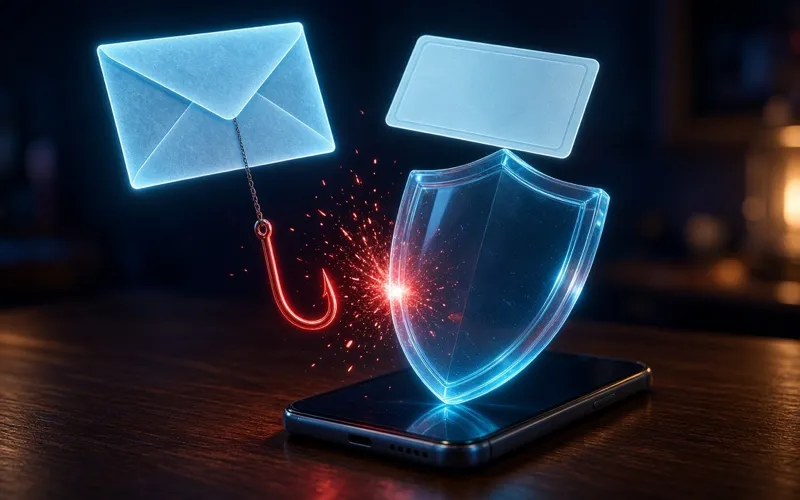
The pattern — described by the US Federal Trade Commission and seen in Malaysia too: an email or text about a tech-support subscription renewal, often using names like Geek Squad, McAfee or Norton, that urges you to call within 24 hours. The message isn't from the company. The phone number connects you to the scammer.
How the scam works
- You receive an "invoice" or "receipt" for a renewal you didn't expect, usually for a large amount.
- Alarmed, you call the number in the message to dispute it.
- The "agent" offers a refund — and asks to connect to your computer, or sends you to a website that looks real to enter your details.
- They claim you were refunded too much and pressure you to pay the difference back, often with gift cards, wire transfers, cryptocurrency or payment apps, because those are hard to reverse.
Red flags
- A deadline — "call within 24 hours" — and a phone number in the message.
- A request for remote access to your computer, or to log in to your bank while someone watches.
- Being asked to pay back a "refund", or to pay by gift card, wire transfer or crypto.
- A sender address that doesn't match the company, or an invoice for a product you don't use.
- Legitimate tech companies don't contact you out of the blue by phone, email or text about a problem with your computer.
How to check safely
- Don't call the number or click the links in the message.
- If you do have an account with the company, check it by typing the company's web address yourself and signing in — or call a number you already know is real.
- Check your bank or card statement directly. A real charge will be there; a fake invoice usually won't.
If you already called, paid or gave remote access
- Change your passwords straight away — and on any other account that uses the same password.
- Check your bank and card accounts for unauthorised transactions, and report them to your bank or card issuer to ask for a reversal.
- If you let someone connect to your computer, remove any software they asked you to install, update your security software and run a full scan.
- If you've lost money, call the National Scam Response Centre on 997 straight away — within 24 hours — then contact your bank and lodge a police report.
- The NSRC only receives calls on 997 and never contacts anyone by phone or WhatsApp — any call or message claiming to be from it is a scam.
Why antivirus brands get impersonated
The names are familiar and millions of people have subscriptions that renew automatically, so an invoice looks plausible at a glance. That's exactly why the safest habit is to check any unexpected charge through your own bank or account — never through the message itself.
The renewal email isn't the scam. The phone number in it is.
Sources · checked 14 Oct 2026
PrivacyTechReview Editorial Team
Editorial
Our editorial team researches consumer security products using public vendor documentation and independent laboratory reporting.