Norton VPN (formerly Norton Secure VPN): what it includes, which plans have it, and its limits
Norton's VPN comes with every Norton 360 plan and is also sold on its own. Here's what Norton says it includes, how many devices each plan covers, what it logs, where it falls short on some devices, and what Norton tells you to try when it won't connect.
Short answer
Norton VPN, formerly Norton Secure VPN, comes with every Norton 360 plan — three devices on Standard and 360 for Gamers, five on Deluxe, ten on Premium, ten or more with LifeLock — and on its own for up to 10 or 20 devices. AntiVirus Plus doesn't include it. Norton says it keeps no browsing logs and cites VerSprite assessments; on iPhone, split tunneling is missing.
Ad-supported — we may earn a commission from links on this page, at no cost to you, and it never changes our assessments. How this works.

Norton Secure VPN is now sold as Norton VPN. It comes with every Norton 360 plan, where Norton's support steps for Windows and Mac still call the in-app feature Secure VPN, and as a standalone subscription that Norton says doesn't include antivirus. We haven't used the VPN ourselves: our screenshots of Norton for Windows didn't include connecting it. So every product fact below comes from Norton's own pages, checked on October 29, 2026.
The short answer
If you have Norton 360, you already have Norton's VPN, with uncapped traffic; AntiVirus Plus doesn't include it. On its own, Norton VPN covers up to 10 or 20 devices. Norton says it doesn't log your browsing and cites outside assessments by the security firm VerSprite. The main gaps are on iPhone and iPad, where split tunneling isn't offered and the kill switch works with only one protocol.
What Norton Secure VPN includes
Norton's product page and its support article on the VPN's features list:
- An encrypted tunnel that hides your IP address. Norton calls the encryption "bank-grade." The app picks a protocol automatically, or you can choose Norton's own Mimic, WireGuard, OpenVPN or IPsec, depending on the device.
- A kill switch that cuts your internet connection if the VPN drops, so your IP address isn't exposed.
- Split tunneling, which sends the apps you choose outside the VPN, on Windows and Android and, since Norton announced it on June 26, 2026, in the Norton VPN app for Mac. Norton says it isn't yet in Norton 360 on Mac, and it isn't offered on iPhone or iPad.
- Ad Tracker Blocking, plus an Ad Blocker in the browser extension for desktop Chrome, Edge for Windows and Firefox.
- Wi-Fi Security on Android and iOS, which checks the network you're on for threats such as man-in-the-middle attacks and warns you about unsecured networks.
- Auto-connect on public networks, Pause VPN and local-network access for devices such as printers.
- City-level locations, Double VPN (traffic through two VPN servers), IP Rotation (a new IP address every 30 seconds) and Manual IP Refresh (one Norton support article says Manual IP Refresh isn't available on iOS yet). Norton says IP Rotation and Double VPN need the WireGuard or IPsec protocol.
- Streaming-optimized and P2P-optimized servers. Norton's server page lists more than 140 locations in more than 100 countries, including 25 US cities. Norton's own table marks 39 of those locations as virtual rather than physical servers, and only five as P2P-optimized.
Which Norton plans include it, and on how many devices
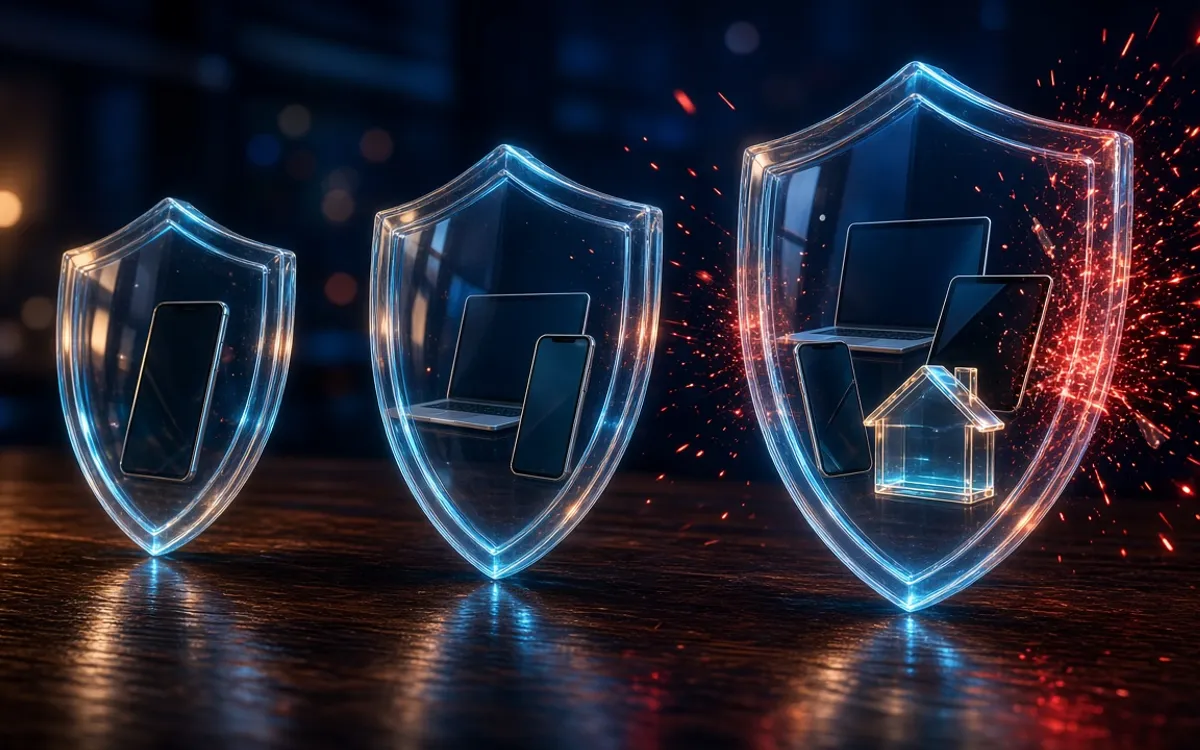
Norton's US plan comparison gives each plan a VPN device limit and says VPN traffic is uncapped whichever plan you choose.
- Norton AntiVirus Plus: no VPN.
- Norton 360 Standard: VPN on 3 devices.
- Norton 360 for Gamers: VPN on 3 devices.
- Norton 360 Deluxe: VPN on 5 devices.
- Norton 360 Premium: VPN on 10 devices.
- Norton 360 with LifeLock: VPN on 10 or more devices.
- Norton VPN on its own: Standard and Plus cover up to 10 devices, Ultimate up to 20. All three plan cards list the kill switch, Ad Blocker, IP Rotation and Double VPN. Plus adds AI-powered protection against scams, phishing and malware, Dark Web Monitoring, a password manager and 10GB of cloud backup (Windows only). Ultimate has the same with 50GB of cloud backup, plus Parental Control, and Norton's support page lists Privacy Monitor for Ultimate only. Norton's FAQ says the standalone plans don't include antivirus, yet Norton lists malware protection for Plus and Ultimate, so read the plan card before you buy.
A smart TV counts as one of those devices: Norton says you need a multi-device subscription with a free device slot to use the VPN on a TV.
Prices change too often to quote here. Norton's plans renew automatically, and Norton says renewal prices may be higher than the first term's, so check the renewal price before you pay.
Platforms: computers, phones and TVs
Norton lists Norton VPN apps for Windows PCs, Macs, iPhones and iPads, Android devices, Google TV, Apple TV and Amazon Fire TV, plus browser extensions for Chrome, Edge on Windows and Firefox. Windows in S mode isn't supported. With Norton 360, the VPN sits inside the Norton 360 app: under Privacy on a computer, under Menu on a phone.
Norton VPN for Fire TV and Firestick
Norton says a Fire TV device needs Fire OS 8 or later and version 1.8 or later of the app. You install it from the Fire TV's own search: look for "Norton VPN – Fast & Secure," download it and sign in with your Norton account. For other TVs, Norton lists Android TV 10 or later and tvOS 17 or later.
Where to download the Norton VPN app
On Windows and Mac, Norton has you download the VPN from your account at my.Norton.com. On Android and iPhone, it's "Norton VPN - Fast and Secure" in Google Play and the App Store. Get it only from your Norton account or the official app stores, never from a link in an email or pop-up.
Privacy and logging
Norton is part of Gen Digital. Norton's Products Privacy Notice, last updated September 25, 2026, has a VPN section that covers the VPN in both Norton VPN and Norton 360 plans.
- What Norton says it doesn't collect: your browsing history, traffic destinations, your devices' IP addresses, session duration and DNS queries.
- What it does collect: payment details and an email address; connection events, recorded by day (not exact time) with the VPN location, kept 12 months; app events such as installs, errors and device type, kept 18 months; app usage metadata on how the apps are used, kept 18 months; the total data you transfer, kept 18 months; and crash reports you choose to send, kept 90 days.
- Third-party diagnostics tools, such as Google Firebase and Crashlytics, which Norton says you can turn off in the VPN's settings.
- Audits: Norton cites VerSprite for Technical Privacy Impact Assessments dated August 2024 and July 2025, and for a security assessment of its Mimic protocol dated November 2025.
- Data requests: Norton publishes a transparency report on the requests it receives for VPN users' data.
Two things to keep in mind. An assessment checks a company's systems at one point in time; it doesn't watch them continuously. And "no logs" here means no browsing logs: Norton still keeps the account, connection-day and data-volume records listed above.
Limits to know before you rely on it
- No split tunneling on iPhone or iPad, and Norton says it's currently unavailable for the VPN inside Norton 360 on a Mac.
- On iPhone, Norton's kill-switch article (last updated June 2025) says the kill switch works only with the Mimic protocol, and its Norton 360 steps cover only Windows and Android.
- Torrenting: Norton's pages disagree. A support article last updated in June 2026 explains how to pick a P2P-optimized region; an older Windows and Mac article, last updated in December 2024, says the VPN turns itself off when it detects active torrent traffic and doesn't allow or protect that traffic.
- Streaming: Norton markets the VPN for streaming, but its support pages warn that some banking, shopping, streaming and email services may block or limit VPN connections.
- The device limit is your plan's: three devices on Norton 360 Standard, for example, and a smart TV takes one of those slots.
- No router setup is listed, and a 2024 Norton support article for Windows says the VPN protects only the device it's installed on, not devices tethered to it.
- Not in India: Norton says the VPN is no longer available for use within India because of regulations that require logging user data.
Is there a Norton VPN free trial?
Yes, but you need a Norton account and a payment method. Norton's free-trials page offers 7-day trials of Norton 360 Standard, Deluxe, for Gamers and with LifeLock Select Plus, all with the VPN, and charges the payment method when the trial ends unless you cancel first. For the standalone VPN, Norton's VPN trial page advertises 30 days with a payment method required. Parts of that page don't match Norton's current product page, so check the length shown when you sign up.
When Norton VPN isn't connecting or working: Norton's own steps
Norton's support articles for the "stays at Connecting" and "trouble connecting to the server" errors give these steps:
- Wait a while and try again. Norton says the cause is usually a temporary network problem.
- Check that your internet works: open a few websites, reconnect to Wi-Fi or switch to mobile data, and on public Wi-Fi finish the sign-in page first.
- Try a different network. Norton notes that some networks block VPNs through network or firewall settings.
- Change the protocol under VPN Protocol Settings: Automatic, which Norton recommends, where it's listed, or WireGuard, Mimic, OpenVPN (Windows and Android) or IPsec (Mac and iOS).
- Pick a different location. If you're on Fastest Location, choose a country yourself; if you already chose one, try a nearby country.
- On a phone, delete the VPN profile and try again.
- Uninstall and reinstall Norton VPN or Norton 360.
- Still stuck? Send feedback from inside the app or contact Norton's Member Services and Support.
Connected, but an app or website won't work
Norton's suggested fixes, where your device has them: change the protocol, use Manual IP Refresh for a new IP address in the same location, try another location, sign in to a streaming service before turning the VPN on, or exclude the app with split tunneling.
Lost your internet when the VPN dropped?
That's what the kill switch does. Norton says to reconnect the VPN, or turn the kill switch off, to get your connection back.
When a standalone VPN fits better
Norton's VPN makes most sense if you already pay for Norton 360. Norton VPN bought on its own suits you if you want more devices than your Norton 360 plan covers (up to 20 on Ultimate) or want to keep your VPN if you switch antivirus at renewal time. It has the same app gaps, though, so a VPN from another provider may suit you better if:
- You need a feature Norton doesn't offer on your device, such as split tunneling on an iPhone.
- You want to run a VPN on your router, which Norton doesn't list.
- You share files over P2P and want a provider that states its torrenting policy in one place.
Whichever you choose, read the privacy notice and look for a recent independent assessment, as you would for Norton.
Our verdict
Norton VPN is worth switching on if you already have Norton 360. It's in every plan, traffic isn't capped, and Norton documents a kill switch, P2P and streaming servers, TV apps and a no-log policy it says VerSprite has assessed. It's weakest on iPhone and iPad, and Norton's own pages disagree about torrenting. If a VPN is all you want from Norton, compare its device limits and features with standalone services before you pay.
If you already pay for Norton 360, set up the VPN you have before you buy another one.
Frequently asked questions
Is Norton Secure VPN the same as Norton VPN?
Which Norton plans include the VPN?
Is Norton VPN free?
Does Norton VPN work on Fire TV or a Firestick?
Does Norton VPN keep logs?
Why is my Norton VPN not connecting?
Sources · checked Oct 29, 2026
- Norton — Norton VPN
- Norton — Compare Norton 360 plans and features
- Norton — Norton VPN server locations
- Norton — Norton VPN no-log policy
- Norton — Norton VPN Privacy Center
- Norton — Products Privacy Notice (Norton VPN)
- Norton — Free trials
- Norton — Start your VPN free trial
- Norton — Norton VPN brings Split Tunneling to Mac
- Norton Support — Features of Norton VPN
- Norton Support — Enable Kill Switch to block your Internet connection if VPN gets disconnected
- Norton Support — Download and install Norton VPN
- Norton Support — Fix problems if you are not able to activate Norton VPN on your Smart TV devices
- Norton Support — System requirements to install and set up Norton protection
- Norton Support — Learn more about Norton VPN protection capabilities for tethered devices
- Norton Support — Set up Norton VPN to use P2P file sharing
- Norton Support — Message: "Warning: Torrent Traffic Active"
- Norton Support — Norton VPN stays at "Connecting" and returned to disconnected state
- Norton Support — Message: "VPN connection error: VPN is having trouble connecting to the server..."
- Norton Support — Fix Internet connectivity problem with an app or a program after connecting to Norton VPN
Our pick for this situation

Our pick
Norton · Best all-in-one bundle
Every Norton 360 plan includes Norton VPN with uncapped traffic, on three to ten or more devices depending on the plan.
- Norton 360 plans bundle a VPN and cloud backup
- Covers Windows, Mac, Android and iOS
PrivacyTechReview Editorial Team
Editorial
Our editorial team researches consumer security products using public vendor documentation and independent laboratory reporting.