Do iPhones need antivirus? What iOS already protects — and what security apps really add
Not in the classic sense: iOS walls every app off from the others, so no app can scan your phone the way antivirus scans a PC. The real risks on an iPhone are scams, not files.
Short answer
An iPhone doesn't need a virus scanner: iOS sandboxes every app, so no app can scan the others. The real risks are phishing messages, scam links and account takeover. Keep iOS updated and use strong, unique passwords; an iPhone security app is worth it mainly for web and phishing protection or extras you'd use.
Ad: buttons marked 'Ad' are affiliate links — we earn a commission if you buy through them, at no extra cost to you. It never changes our assessments. How this works.
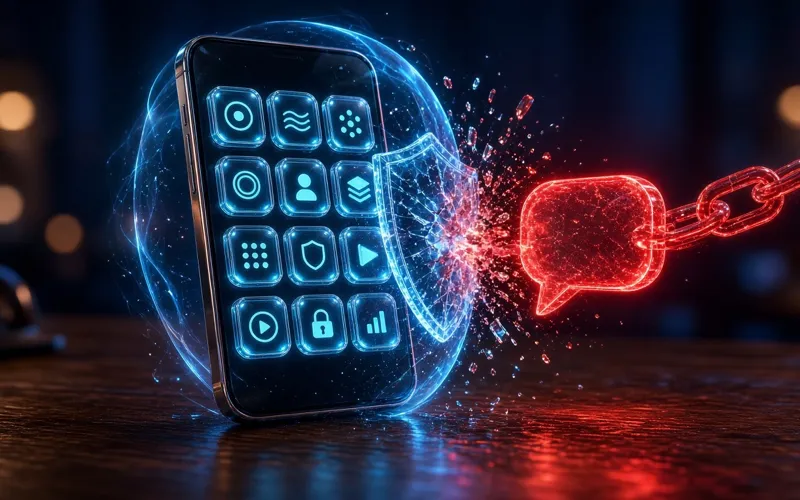
Security apps for iPhone exist, and some are useful — but not for the reason the word "antivirus" suggests. Understanding how iOS is built explains what those apps can and can't do.
Why iPhones don't need a virus scanner
Apple sandboxes every third-party app. Each app gets its own separate storage, can reach other apps' data only through services iOS explicitly provides, and runs without the privileges needed to modify other apps or the system. That design blocks much of what classic malware relies on.
It also means a security app is sandboxed like any other app. It can't scan your other apps or your files the way antivirus does on a PC, so an iPhone "virus scan" can't do what the phrase implies.
What iPhone security apps actually offer
- Web and phishing protection — warnings or blocks for known scam and malicious sites.
- A VPN for public Wi-Fi.
- Breach and identity monitoring — alerts if your email or other details appear in leaked data.
- A password manager.
- Family features — seeing every device in a household from one account, on suites that offer it.
The real risks on an iPhone
- Phishing texts, emails and fake login pages that steal passwords or payment details.
- Scam calls and messages that pressure you into acting quickly.
- Account takeover — someone getting into your Apple Account or email.
- Installing configuration profiles or apps from sources you don't recognise.
- Running an out-of-date version of iOS, or a jailbroken phone that removes Apple's protections.
What to do instead of installing antivirus
- Keep iOS updated — it's the single most effective step.
- Turn on two-factor authentication for your Apple Account and email.
- Use a password manager so every account has a unique password.
- Don't install profiles or apps from links in messages, and treat urgent requests for codes or payments as suspicious.
Is there a best antivirus for iPhone?
Not in the sense of a better virus scanner — none of them can scan your other apps. Compare iPhone security apps on what they can do: how well they flag scam and phishing links, whether the VPN and password manager are ones you'd actually use, whether breach monitoring covers the accounts you care about, and whether the same subscription covers your other devices.
When a security app is worth it on an iPhone
- You already pay for a family suite covering the household's PCs and Macs, and adding the phones gives web protection and one place to see every device.
- Someone in the family is likely to tap on scam links and would benefit from automatic warnings.
- You want the VPN, password manager or breach monitoring the app bundles, and would otherwise pay for them separately.
On an iPhone, the threat is usually a message, not a file. Protect the person and the accounts — that's where security apps can genuinely help.
Sources · checked 14 Oct 2026
Our pick for this situation
PrivacyTechReview Editorial Team
Editorial
Our editorial team researches consumer security products using public vendor documentation and independent laboratory reporting.